Teacher portal desktop web Design

Designing
a Centralised Portal
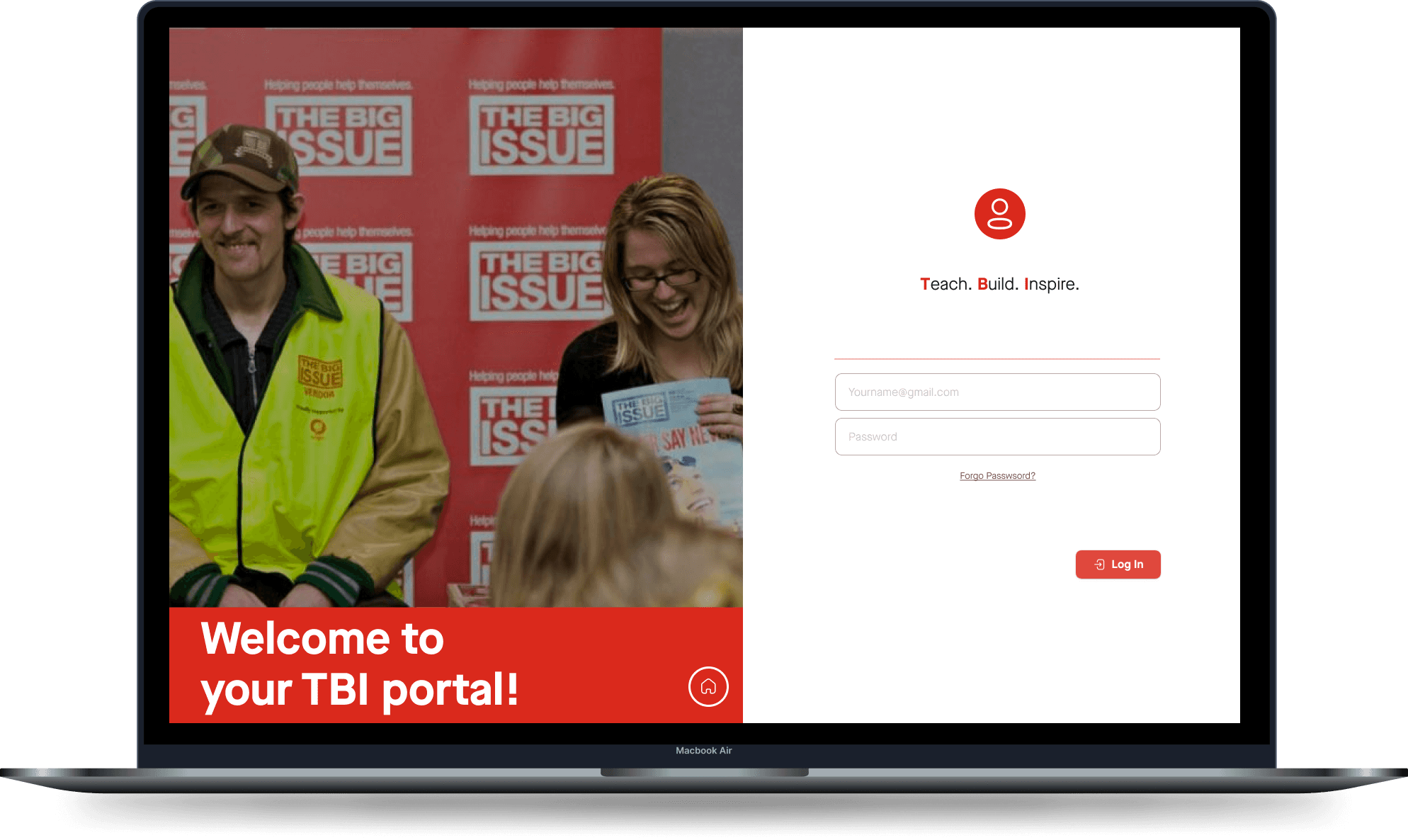
ROLE

UX Designer

YEAR

2024

Timeline

From explorations to final designs in 10 weeks

TBI/The Big Issue

This nonprofit creates job opportunities for people facing homelessness, marginalization, and other challenges through social enterprises like The Big Issue magazine and community programs. Their initiatives help individuals earn income, build confidence, and connect with supportive networks, empowering them to improve their lives.

Objectives

  1. Simplify Document Management

  2. Centralize Resource Access

  3. Enhance Navigation and Usability

  4. Improve Accessibility

Process

Process

Understanding User Needs

Gather Insights:

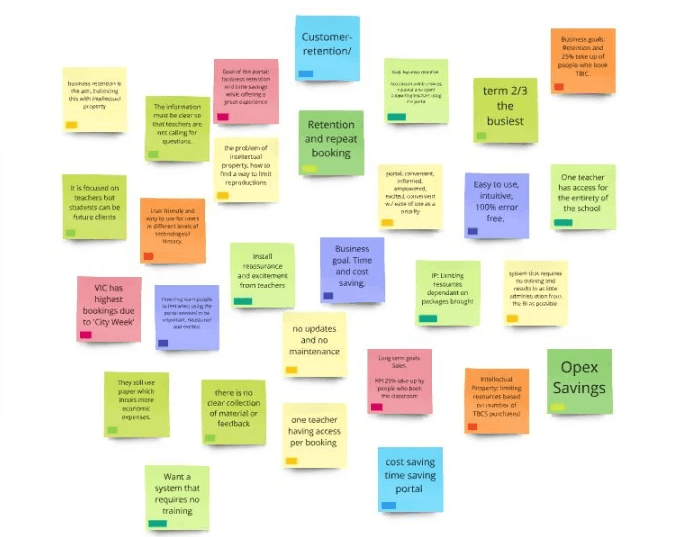
  • Analyzed existing research results to understand teachers' and Admins' pain points and needs.

  • Reviewed stakeholder interviews to grasp the goals of The Big Issue Australia.

Understanding User Needs

Gather Insights:

  • Analyzed existing research results to understand teachers' and Admins' pain points and needs.

  • Reviewed stakeholder interviews to grasp the goals of The Big Issue Australia.

Define Objectives

Key Pain Points to Address:

  • Simplify document management.

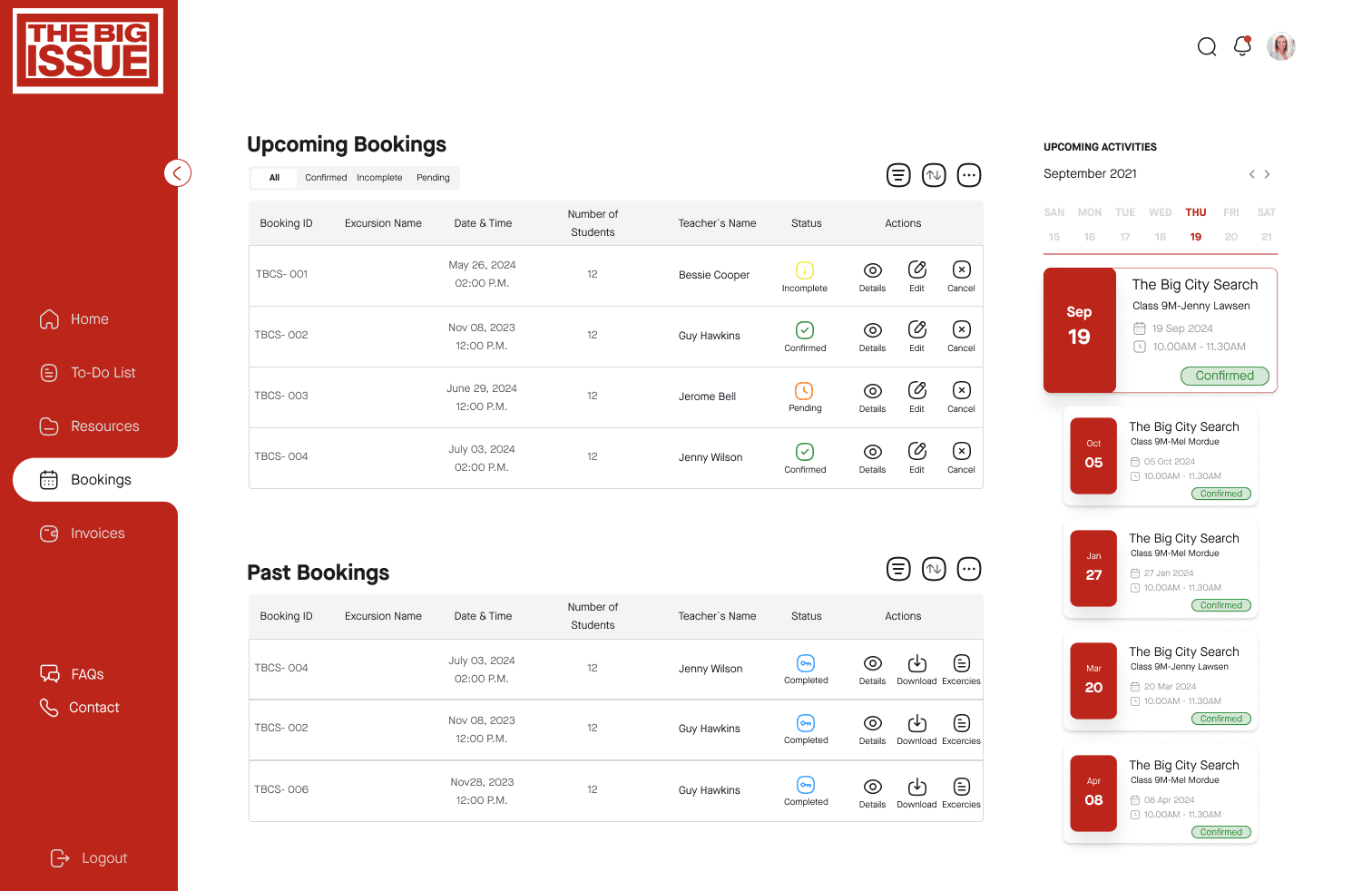
  • Enhance booking tracking and confirmation processes.

  • Improve navigation and user interface for better accessibility.

Design Goals:

  • Streamline administrative tasks to increase efficiency.

  • Create a user-friendly interface with clear navigation.

  • Provide real-time support and easy access to resources.

Define Objectives

Key Pain Points to Address:

  • Simplify document management.

  • Enhance booking tracking and confirmation processes.

  • Improve navigation and user interface for better accessibility.

Design Goals:

  • Streamline administrative tasks to increase efficiency.

  • Create a user-friendly interface with clear navigation.

  • Provide real-time support and easy access to resources.

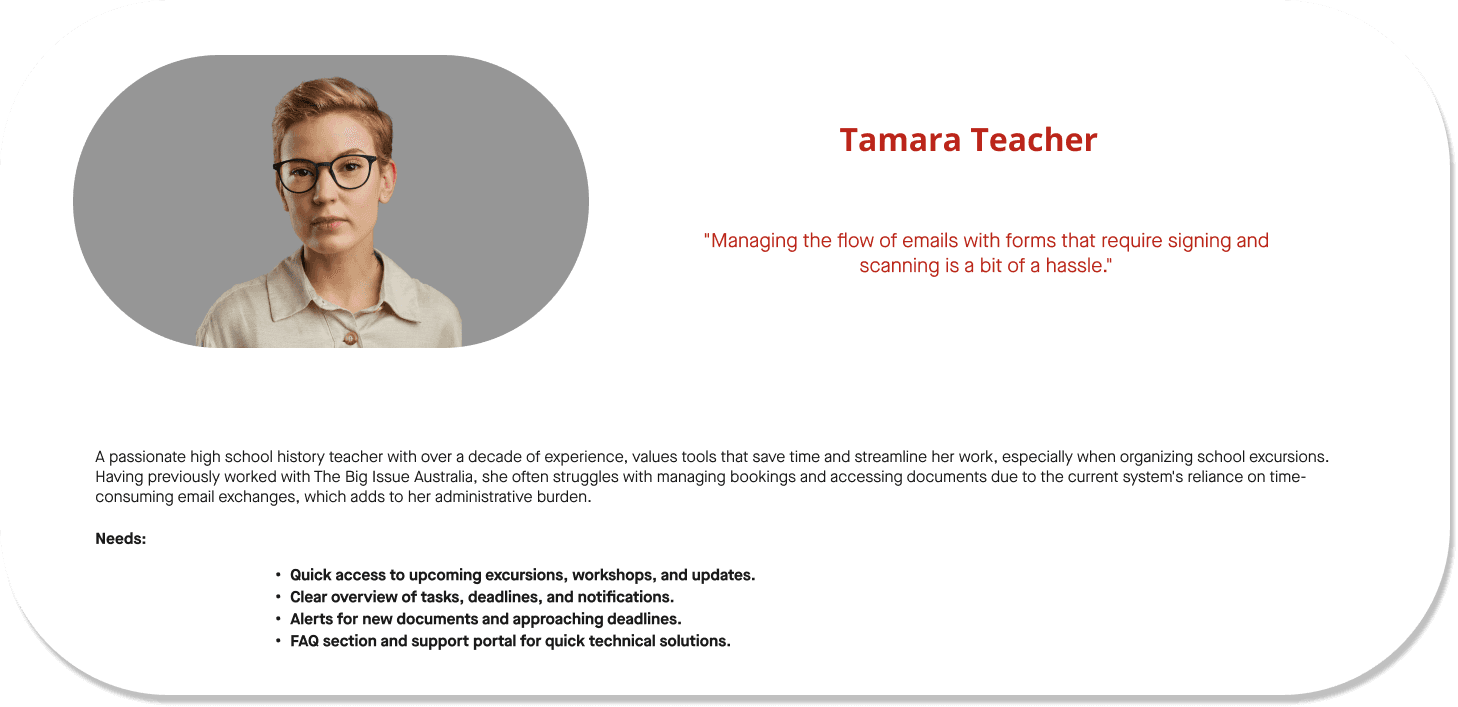
Develop User Personas:

  • Created user personas based on research data, representing different types of teachers who would use the portal..

Brainstorm Solutions:

  • Explore ideas for improving document management and user interface design.

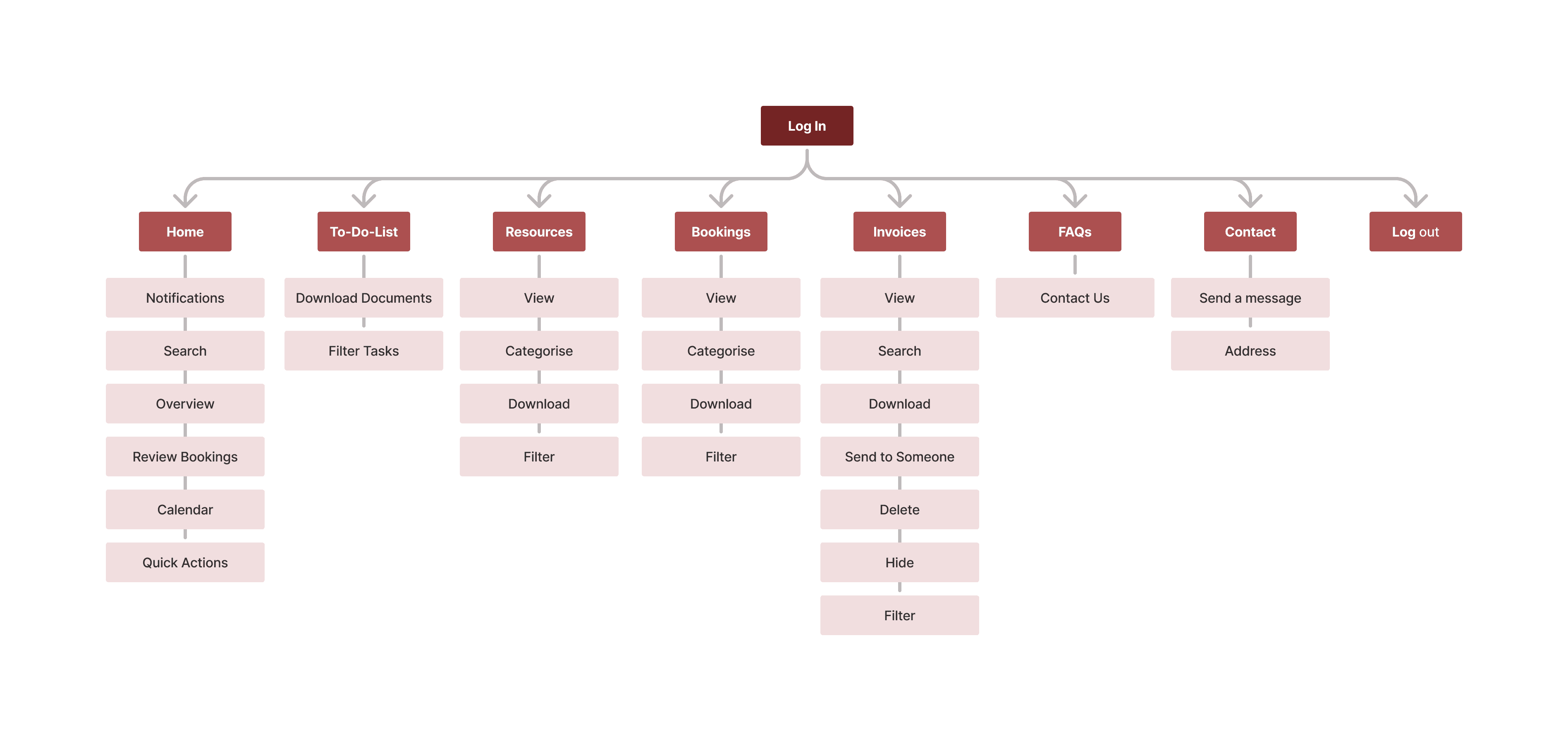
Create User Flows and Sitemap:

  • Design user flows and a clear sitemap for uploading documents, and accessing resources to ensure a smooth experience.

Ideation and Planning

Develop User Personas:

  • Created user personas based on research data, representing different types of teachers who would use the portal..

Brainstorm Solutions:

  • Explore ideas for improving document management and user interface design.

Create User Flows and Sitemap:

  • Design user flows and a clear sitemap for uploading documents, and accessing resources to ensure a smooth experience.

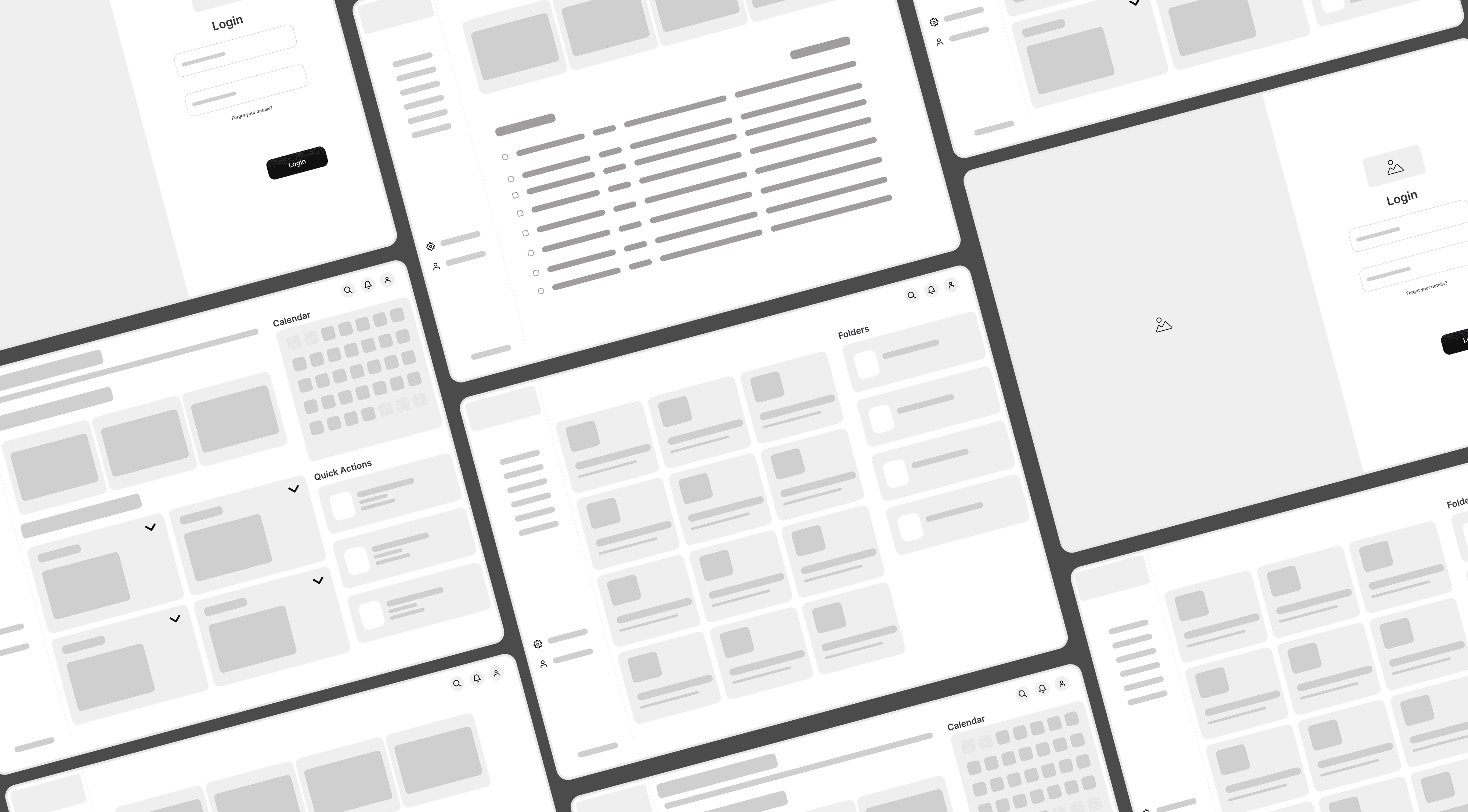
Wireframes and Mockups:

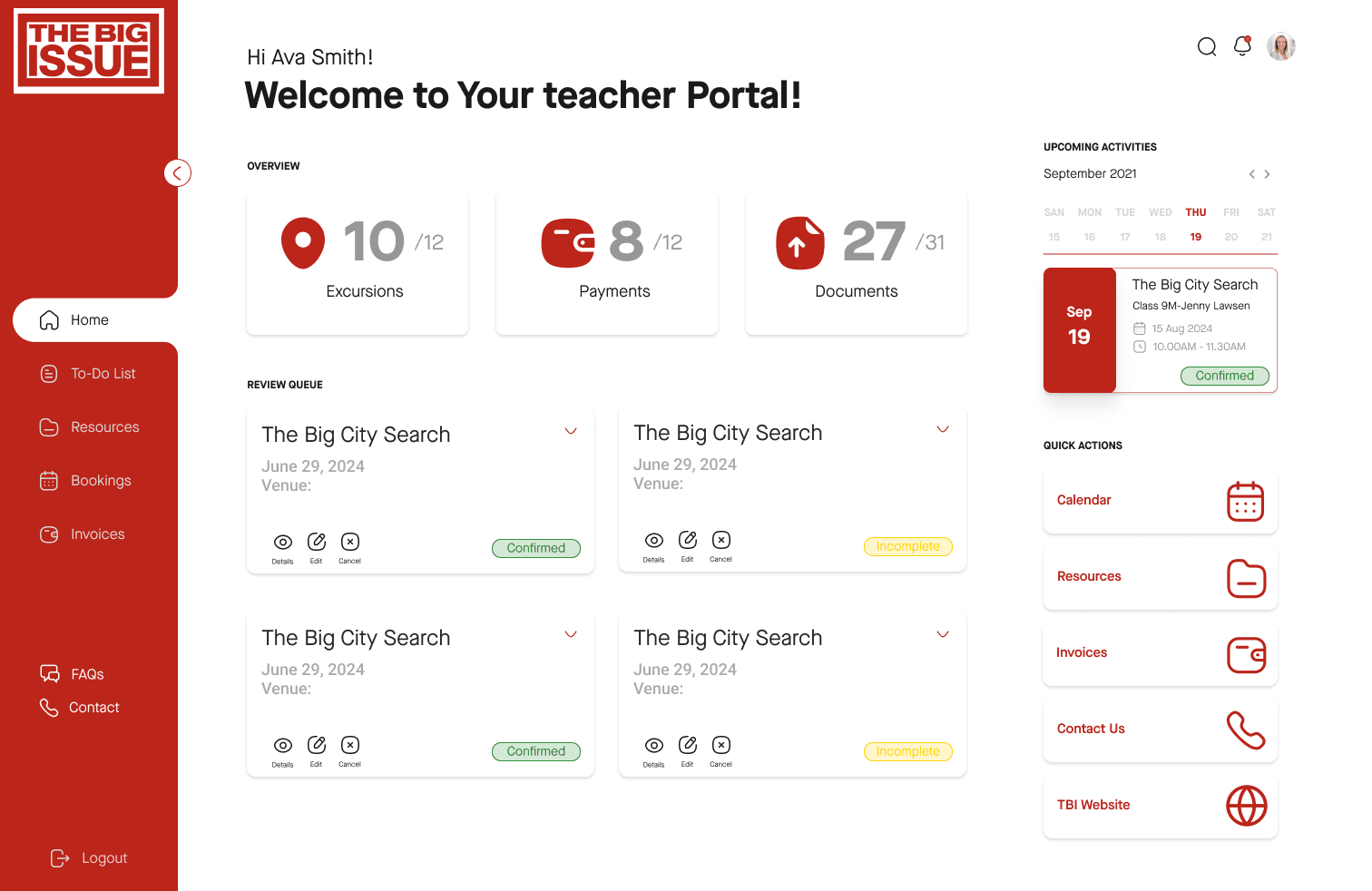
  • Design wireframes to outline the structure of key pages, including the dashboard, booking page, and document management sections.

  • Develop high-fidelity mockups with improved navigation, personalized dashboards, and streamlined document upload features.

Interactive Prototypes:

  • Build interactive prototypes to test user interactions and gather feedback on design concepts.

Design and Prototyping

Wireframes and Mockups:

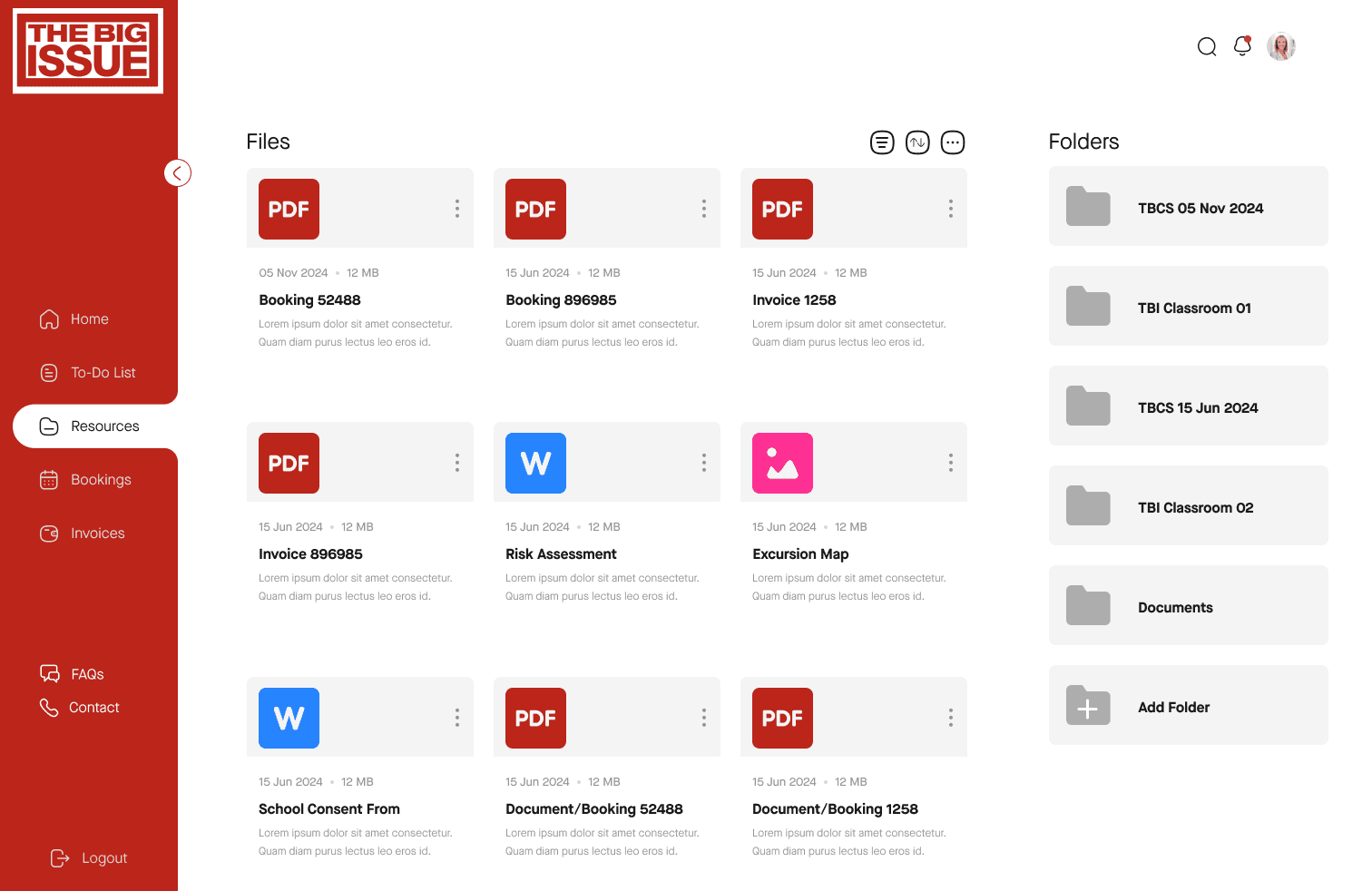
  • Design wireframes to outline the structure of key pages, including the dashboard, booking page, and document management sections.

  • Develop high-fidelity mockups with improved navigation, personalized dashboards, and streamlined document upload features.

Interactive Prototypes:

  • Build interactive prototypes to test user interactions and gather feedback on design concepts.

Usability Testing

Conduct Testing Sessions:

  • Test prototypes with teachers and admins to identify usability issues and gather feedback on new features.

Iterate on Feedback:

  • Make adjustments based on testing feedback to address any remaining pain points and enhance the user experience.

Conduct Testing Sessions:

  • Test prototypes with teachers and admins to identify usability issues and gather feedback on new features.

Iterate on Feedback:

  • Make adjustments based on testing feedback to address any remaining pain points and enhance the user experience.

Dev Handoff

Prepare Design Assets:

  • Compile design assets, including wireframes, mockups, and interactive prototypes, for development.

  • Provide detailed specifications and guidelines for developers, including design patterns, color codes, font styles, and interactive elements.

Design Documentation:

  • Create comprehensive documentation that includes user flows, component descriptions, and any specific interactions or animations.


Prepare Design Assets:

  • Compile design assets, including wireframes, mockups, and interactive prototypes, for development.

  • Provide detailed specifications and guidelines for developers, including design patterns, color codes, font styles, and interactive elements.

Design Documentation:

  • Create comprehensive documentation that includes user flows, component descriptions, and any specific interactions or animations.


  • Manage bookings

    Manage your bookings easily with built-in booking widget.

  • Showcase your listings

    Show the best parts of your locations with style.

  • Highlight 3

    Manage your bookings easily with built-in booking widget.

  • Highlight 4

    Show the best parts of your locations with style.

  • Dashboard
  • RESOURCES
  • BOOKINGS

Results

Results

Results

Increased Efficiency

The streamlined document management and centralized resource access reduced administrative time by 40%, allowing teachers to focus more on educational activities.

Positive User Feedback

High user satisfaction ratings and positive reviews highlight the Portal's intuitive interface and powerful AI capabilities.

Enhanced Resource Management

Teachers reported improvement in their ability to locate and utilize resources efficiently.

Reduced Errors

The new document management system and centralized resource hub decreased errors related to document submission leading to smoother administrative processes.